Software
Most retail losses are not dramatic. They are small, daily and invisible until someone counts. A properly configured point of sale makes them visible on the day they happen, not at the end of the month.
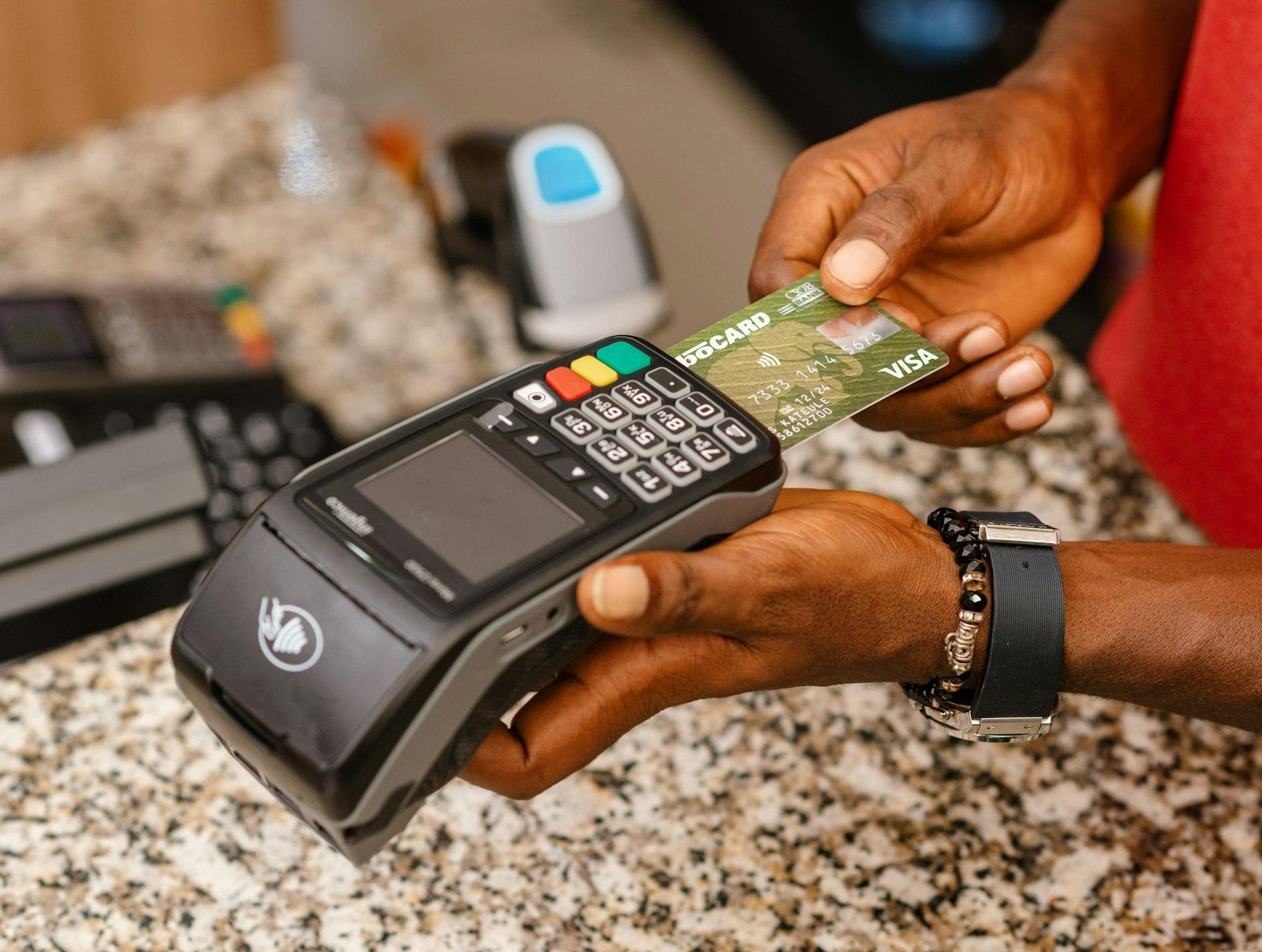
We supply the terminal, printer, scanner and cash drawer, configure your products and prices, connect it to cloud reporting, and train the people who will actually use it at the counter.
What's included
Commercial-grade single or dual-screen terminals sized for your counter.
Scanners, thermal printers, cash drawers and label printing set up together.
Stock levels, low-stock alerts, purchases, transfers and stock counts.
Daily, hourly and product-level sales visible from the shop or from home.
User accounts, permissions and a record of who processed what.
Central products, prices and reporting across more than one location.
POS software
Barcode selling, price lookups and daily takings for shops with a single counter or several.
Fast scanning, weighing-scale support, promotions and shelf-label printing for high-volume aisles.
Batch and expiry tracking, drug categories and dispensing records kept alongside ordinary retail sales.
Table and counter ordering with kitchen printing. Covered in full on our restaurant management page.
Bulk pricing tiers, customer accounts, credit limits and invoices for distributors and depots.
One product list and one set of reports across every outlet, with stock transfers between branches.
Deployment options
Your data lives on a secure server. Sign in from the shop, the office or your phone, and see takings without being on site. Best where you have reliable internet and more than one location.
Everything runs on the terminal itself, so selling never depends on a connection. Best for a single shop, or anywhere the network is unreliable and uptime at the counter matters most.
The terminal keeps selling when the internet drops and syncs to the cloud once it returns. You get remote reporting without the counter ever stopping. This is what we recommend for most Nigerian businesses.
Deployment
Four stages, agreed with you before work starts.
We load your product list, prices, categories and barcodes before install day.
Terminal, printer, drawer and scanner installed and tested at the counter.
Cashiers trained on sales, refunds, discounts and end-of-day.
We stay reachable through the first busy week, when problems actually appear.
Who it's for
Questions
It depends on your internet and how many locations you run. One shop with an unreliable connection is usually better offline. Several branches, or an owner who wants figures without visiting, points to cloud. Most of our clients end up on hybrid, because it keeps the counter selling during an outage and still reports centrally. We advise on this during the survey, before anything is bought.
The terminal keeps selling on the local machine. Cloud reporting and multi-branch syncing need a connection, which is one reason we usually quote the network alongside the till.
Often yes, for a back-office machine. For the counter we recommend a proper touch terminal, because keyboards and mice slow down queues and do not survive shop-floor use.
Refunds, voids and discounts are all permission-controlled and recorded against the user who performed them.
Tell us about the site, the size and the timeline. We will come back with a clear, itemised proposal.
Type to search — press Enter for the full results page. Shortcut: Ctrl K